
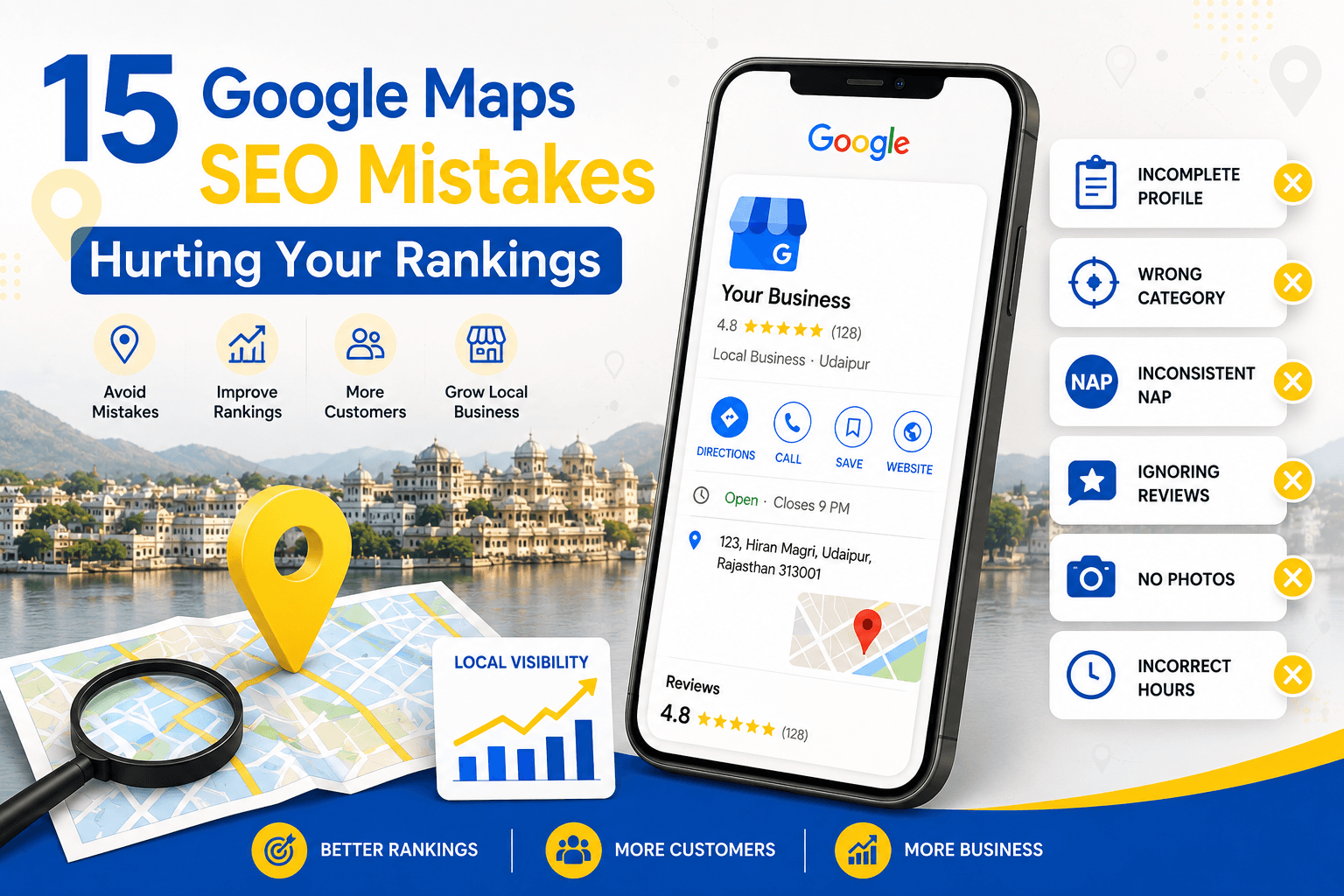
When someone in Udaipur searches for “best cafe near me” or “AC repair in Udaipur,” Google Maps is usually the first thing they see, before any website, before any ad. If your business doesn’t appear in that map pack, you’re invisible to a customer who is ready to buy right now.
Most business owners we talk to in Udaipur haven’t done anything drastically wrong. They’ve just made small, avoidable Google Maps SEO mistakes that quietly push them out of local search results. In this guide, we’ll walk through 15 of the most common ones, why they matter, and exactly how to fix them.
Why Google Maps Visibility Matters for Udaipur Businesses
Udaipur’s economy runs on local discovery. Tourists searching for hotels and restaurants near Lake Pichola, residents looking for a nearby clinic in Hiran Magri, or someone comparing interior designers in Bhuwana, they’re almost all starting on Google Maps or Google Search’s local pack, not scrolling through pages of a website directory.
A strong, error-free Google Business Profile (GBP) is often the single highest-leverage piece of local SEO a small business can control. Get it right, and you show up when it matters. Get it wrong, and even a beautiful website won’t save you.
With that context, let’s get into the mistakes.
15 Google Maps SEO Mistakes to Avoid
1. Leaving Your Google Business Profile Incomplete
Fill out every section: business description, category, services, products, attributes, and opening date. Aim for completeness before anything else.
2. Choosing the Wrong Business Category
Picking a broad or incorrect primary category (e.g., “Restaurant” instead of “North Indian Restaurant” or “Rooftop Restaurant”) makes it harder for Google to match your listing to specific searches.
Choose the most specific primary category that fits, then add relevant secondary categories.
3. Inconsistent NAP (Name, Address, Phone) Details
If your business name, address, or phone number differs across your website, GBP, JustDial, and social media, Google struggles to trust that all these listings refer to the same business. This directly affects local pack rankings.
Audit every online listing and make sure your NAP is identical everywhere, down to abbreviations (e.g., “Rd” vs “Road”).
4. Using a Virtual Office or Fake Address
Some businesses list a virtual office, a friend’s address, or a P.O. box to appear in an area they don’t actually serve. Google actively penalizes this, and profiles can get suspended.
Only list a real, staffed location. If you’re a service-area business (like a plumber or interior designer) without a public storefront, use a service-area profile instead of a fake address.
5. Ignoring Customer Reviews
Reviews are one of the strongest local ranking signals; and one of the most neglected. Not responding to reviews, ignoring negative feedback, or having very few reviews compared to competitors all hurt visibility and trust.
6. Keyword-Stuffing Your Business Name
Adding extra keywords to your business name on GBP (e.g., “Sharma Dental Clinic: Best Dentist in Udaipur”) violates Google’s guidelines and can get your listing suspended or suppressed.
Use your real, legal business name only. Let your category, description, and reviews do the keyword work.
7. Not Adding Photos Regularly
Add fresh, high-quality photos monthly: interior, exterior, team, products, and completed work. Geotagged photos add an extra local signal.
8. Skipping Google Posts
Google Posts (updates, offers, events) are an underused feature. Profiles that never post appear less active, and Google does factor in profile engagement and freshness.
9. Missing or Incorrect Business Hours
Keep regular hours accurate, and set special hours ahead of festivals and holidays common in Udaipur, like Diwali or Mewar Festival.
10. No Website Link or a Slow Website
Always link a working, mobile-friendly website. If you don’t have one yet, even a simple single-page site with clear contact details is better than none.
11. Ignoring the Q&A Section
Anyone can ask and answer questions on your GBP listing: including competitors or people with incorrect information. Unanswered or incorrectly answered questions sit publicly on your listing.
Monitor the Q&A section regularly, seed it with helpful questions you often get from customers, and answer new questions quickly.
12. Operating Multiple Listings for One Location
Duplicate listings, often created accidentally through data aggregators or by different staff members over the years, split your reviews, confuse Google, and dilute your ranking signals.
Search Google Maps for your business name and address. If duplicates exist, request removal or merge them through Google Business Profile support.
13. Not Using Products or Services Sections
Businesses that don’t list specific products or services miss out on matching long-tail, high-intent searches, like “bridal makeup packages” or “RO water purifier repair.”
Add detailed services or products with descriptions and, where relevant, prices. This also improves how your listing appears in relevant local searches.
14. Overlooking Local Citations
Citations are mentions of your business on other platforms, JustDial, Sulekha, IndiaMART, local Udaipur directories, and industry-specific listings. Weak or inconsistent citations reduce the trust signals Google uses for local rankings.
Build citations on relevant, reputable directories, and keep NAP details consistent across all of them (see mistake #3).
15. Never Tracking Google Maps Insights
Many business owners set up their profile once and never check performance again. Without tracking, you can’t tell if a change helped, hurt, or made no difference at all.
Review your GBP Insights/Performance data monthly, searches, views, calls, and direction requests and adjust your strategy based on what’s actually working.
A Simple Monthly Checklist to Stay on Track
- Add 4–6 new photos
- Publish 2 Google Posts
- Respond to all new reviews
- Check and answer new Q&A entries
- Verify business hours (especially before festivals)
- Review GBP Insights and note trends
- Spot-check NAP consistency on 2–3 directories
- Update services/products if anything changed
Even fixing three or four of these consistently puts most small Udaipur businesses ahead of competitors who never touch their listing after setup.
12. FAQ
Q1. Do reviews really affect Google Maps rankings?
A. Yes. Review count, rating, recency, and how well you respond to reviews are all factored into local ranking signals.
Q2. Can I use keywords in my Google Business Profile name?
A. No. Adding keywords to your business name that aren’t part of your real, legal name violates Google’s guidelines and risks suspension.
Q3. What’s the difference between local SEO and Google Maps SEO?
A. Google Maps SEO is a subset of local SEO focused specifically on your Google Business Profile and map pack rankings. Local SEO also includes your website, citations, and broader local content strategy.
Also Read: How Long Does SEO Take to Show Results?
Conclusion
Most Google Maps SEO mistakes aren’t complicated, they’re small oversights that add up over time: an incomplete profile, inconsistent details, ignored reviews, or a listing nobody has touched in a year. The good news is that each one on this list is fixable, often without spending a rupee, just consistent attention.
About the Author

Richa Meena
SEO Specialist at ImmortalSEO with expertise in technical SEO and content optimization.
View all posts