
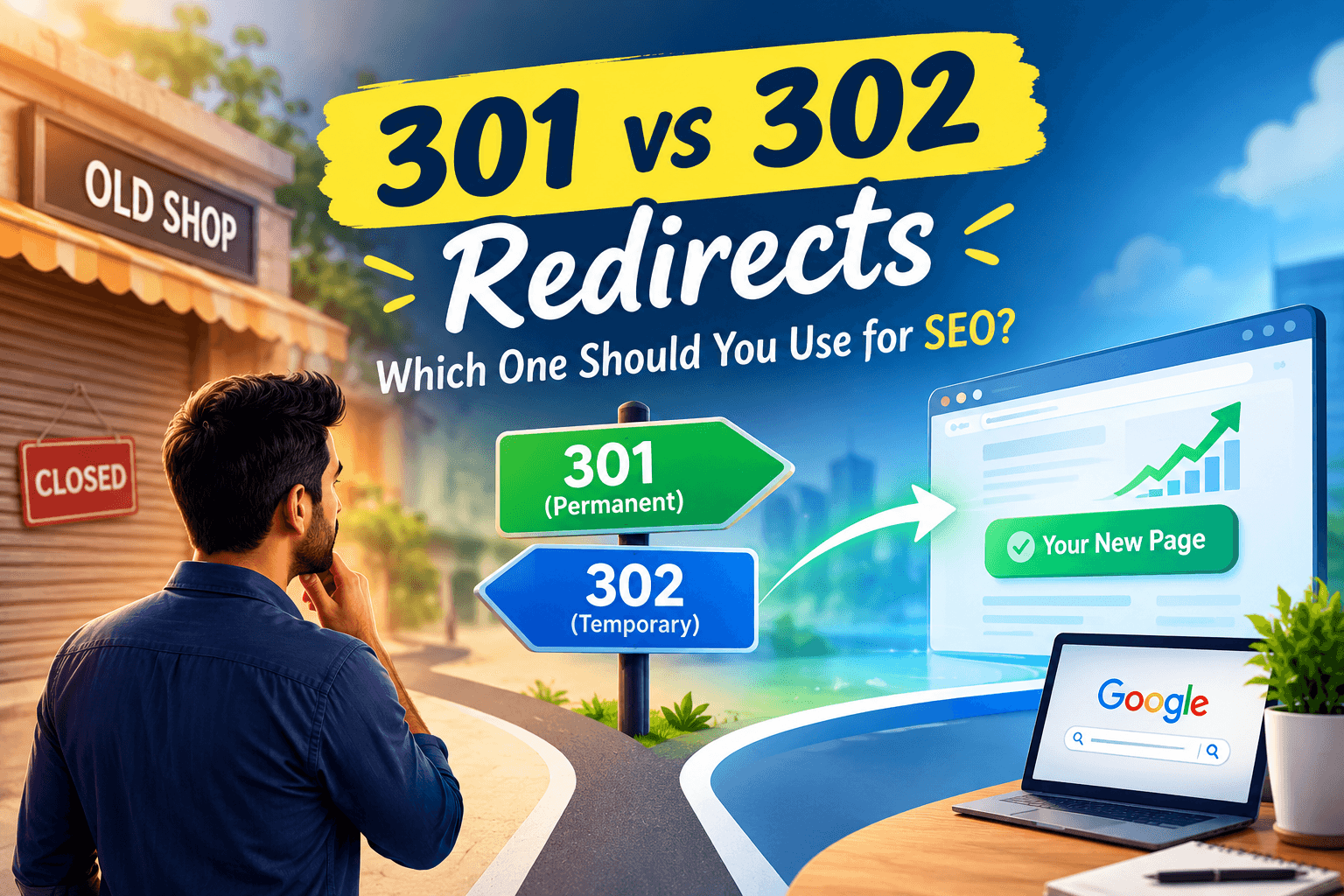
If you pack up your goods and lock the old shop doors without leaving a sign or a forwarding address, what happens when regular customers show up? They rattle the locked shutter, assume you went out of business, and walk straight to your competitor down the lane.
The exact same thing can happen on your website.
When you update your business website, rename a service, launch a new booking package, or redesign your pages, some old URLs may stop working. If someone clicks an old link from WhatsApp, Facebook, or Google, they may end up staring at an unhelpful “404 Page Not Found” message.
To prevent customers from hitting a dead end, you can use an automatic digital detour called a redirect.
But not every redirect works the same way. Two of the most common types are 301 and 302 redirects. So, 301 vs 302 redirects: which one should you use for SEO?
The answer depends on one simple thing: Is the change permanent, or is it temporary? Choosing the right redirect helps you guide customers to the right page while also helping search engines understand what happened to the old URL.
What Is a Website Redirect?
A redirect is simply an automatic forwarding instruction for web browsers and search engines.
When a visitor clicks an old link, the website automatically sends them to the new page. Instead of seeing a broken page, they land on the information they were looking for.
Think of it like forwarding your mail after moving to a new address. Instead of letting important letters disappear, you tell people where to find you now.
Why Your Business Cannot Ignore Redirects
As a business owner, your website’s main job is generating phone calls, appointments, bookings, and walk-in enquiries. Redirects can protect your business in two important ways.
1. They help save customer enquiries
If a tourist looks up your heritage hotel near Lake Pichola and clicks a broken link, they probably will not waste time searching for your new page. They may simply hit the “back” button and book another hotel.
A redirect takes them straight to your active booking page.
2. They help search engines understand website changes
Over the months or years your website has been live, Google may have discovered and indexed your pages and their links.
If you permanently change or remove a page without a proper redirect, search engines may not know where the old page has moved.
A proper redirect helps Google understand that the old URL has been replaced by a new one.
What Is a 301 Redirect? (The Permanent Shop Relocation)
A 301 redirect tells the world:
“We have moved permanently. Update your records and use the new address.”
Think of a 301 redirect like completely moving your business premises.
You hand over the old keys, move your business to the new location, and tell your customers that this is where they should come from now on.
The old location is no longer your business address.
That is exactly what a 301 redirect communicates to search engines.
When to Use a 301 Redirect for Your Business
Use a 301 redirect whenever an old page has been permanently replaced or moved.
Switching your website domain
For instance, changing your website from an older address like:
“udaipurdentalcare.in”
to a new brand domain like:
“miledentaludaipur.com”.
A 301 redirect can tell search engines and visitors that the business has permanently moved to the new domain.
Renaming services or packages
If a wedding planner in Udaipur changes:
/budget-wedding-decor/
to:
/royal-destination-weddings/
because the service has been permanently updated, a 301 redirect can send visitors from the old URL to the new one.
Cleaning up old or duplicate pages
Suppose you have three short blog posts about marble flooring from 2021, and you decide to combine them into one detailed and useful guide for homeowners.
Instead of leaving the three old URLs broken, you can permanently redirect them to the new master guide.
Permanently removing a product
If a clothing boutique stops carrying a particular designer lehenga line, the old product page can be permanently redirected to the most relevant bridal collection or another suitable page.
The important point is that the old page is not coming back.
What Google Does When You Use a 301
When Google sees a 301 redirect, it understands that the old URL has permanently moved.
It can then understand the relationship between the old and new URLs and transfer relevant ranking signals to the new URL.
Over time, Google can remove the old URL from its search results and show the new URL instead.
That is why a 301 redirect is generally the right choice when a page has permanently moved.
What Is a 302 Redirect? (The Temporary Renovation)
A 302 redirect tells the world:
“This change is temporary. Please use this other page for now, but the original page is expected to return.”
Think of it like temporarily closing your shop for renovation.
You put up a sign saying:
“We are temporarily operating from another location. We will be back soon.”
You have not permanently moved your business. You are simply sending customers somewhere else for a short period.
That is the basic idea behind a 302 redirect.
When to Use a 302 Redirect for Your Business
Use a 302 redirect when the change is temporary and you expect the original page to return.
Festival and holiday promotions
A rooftop café near Fateh Sagar Lake has a standard /menu/ page.
During the Diwali holiday week, they set up a temporary 302 redirect sending visitors to a festive set-menu page:
/diwali-special-menu/
Once the holidays end, they can remove the redirect and bring the regular menu page back.
Temporary out-of-stock items
A handcrafted jewellery boutique sells out of a popular silver necklace design during the wedding season.
While artisans create fresh stock over the next two weeks, the owner could temporarily redirect visitors to a related jewellery collection.
Once the original product is available again, the original page can be restored.
Short-term maintenance or website testing
If your web team is running a short-term promotional test, updating a booking calendar, or making temporary changes to a page, a 302 redirect can temporarily send visitors somewhere else so they do not experience problems.
The key point is simple:
The original page is expected to come back.
What Google Does When You Use a 302
Because Google understands that the redirect is temporary, it generally keeps the original URL as the preferred page rather than treating the temporary destination as the permanent replacement.
This is why a 302 is more appropriate when you genuinely expect the original page to return.
If you know that the old page is never coming back, a 301 is usually the better choice.
Common Website Mistakes That Cost Local Businesses Customers
Even simple website changes can accidentally hurt your enquiry flow if your developer or staff makes one of these common mistakes.
1. Sending Every Broken Link to Your Homepage
When businesses rebuild their websites, some designers take the easy shortcut: they redirect every deleted page straight to the homepage.
Imagine asking a store clerk where to find kids’ shoes, and they simply drop you back at the front entrance.
You still have no idea where the shoes are.
The same thing can happen on a website.
If a customer searches for “teeth whitening in Udaipur” and clicks an old link, they want information about teeth whitening. They should ideally be sent to the new teeth-whitening page or another closely related page, not simply the clinic’s homepage.
If the new page is not relevant to the old one, Google may treat the redirect like a soft 404 rather than seeing it as a useful replacement.
Always send old pages to the closest relevant service or topic whenever possible.
2. Leaving Temporary 302s Running for Years
A 302 redirect is meant for a situation where the change is temporary and the original page is expected to return.
If an interior designer sets up a temporary redirect for a summer campaign and leaves it active for two years, it is time to review whether the change is actually temporary.
If the original page is never coming back, a permanent redirect may be more appropriate.
3. Forgetting Your Google Business Profile and Social Profiles
When you update a major page on your website, such as your contact page, appointment form, or price list, remember that you have links outside your website too.
Always check your Google Business Profile, Instagram bio, Facebook page, WhatsApp Business catalogue, and other online listings to confirm that they link directly to your fresh, active pages.
For example, if your appointment page has changed, make sure your Google Business Profile and social media profiles are not still sending customers to the old URL.
If you are running a two-week festive deal or holiday special, make sure your temporary redirect is clearly planned and reviewed when the campaign ends.
4. Creating Too Many Redirects
Another common mistake is creating a redirect chain.
For example:
Old Page → Page 2 → Page 3 → Final Page
Instead of sending visitors through multiple redirects, it is better to send them directly to the final relevant page:
Old Page → Final Page
Too many redirects can make the journey more complicated for both users and search engines.
Whenever possible, redirect an old URL directly to its final destination.
301 vs 302: Which One Should You Use?
The easiest way to remember the difference is:
301 = Permanent Move
Use it when the old page or URL has permanently moved or been replaced.
302 = Temporary Move
Use it when the change is temporary and the original page is expected to return.
For example:
Changed website domain permanently? → 301
Permanently changed a service URL? → 301
Combined old pages into one new guide? → 301
Running a temporary festival promotion? → 302
Temporarily testing or maintaining a page? → 302
Original page will come back? → 302
Also Read: HTTPS and SEO: 7 Key Reasons Website Security Matters for Businesses
Conclusion: Making the Right Choice for Your Website
Choosing between 301 vs 302 redirects comes down to one simple question:
Is this change permanent, or just for now?
If an old page is gone for good, choose a 301 redirect. It helps visitors reach the correct page and tells search engines that the old URL has permanently moved.
If you are running a seasonal offer, temporary promotion, short-term test, or maintenance and expect the original page to return, a 302 redirect may be the right choice.
Taking a few minutes to choose the right redirect can help prevent lost visitors, enquiries, and search visibility.
And remember: Don’t just delete an old page. If there is a new relevant destination, tell your customers and search engines where they should go instead.
For a stronger website foundation, make sure your redirects and other technical SEO elements are set up correctly.
(FAQs)
Q: What happens if I forget to set up any redirect at all?
A: Visitors and Google crawlers who click the old link will land on a blank “404 Page Not Found” error screen. Visitors usually leave immediately, and Google will eventually drop that page from search results because it appears broken.
Q: Can I redirect an old page to an entirely different topic?
A: It is best not to. If you redirect an old page about car repair to a new page about bike rentals, Google will notice the mismatch and treat it as a broken link. Always redirect an old page to the most relevant, closely related page you have.
Q: How long does it take Google to recognize a 301 redirect?
A: Usually anywhere from a few days to a couple of weeks, depending on how frequently Google visits your site. For high-traffic business sites, Google often spots and updates the redirect within a few days.
Q: Can I turn a 302 redirect into a 301 redirect later?
A:Yes. If you started with a temporary 302 redirect and later decided that the change should be permanent, simply ask your web designer to change the setting to a 301 redirect.
About the Author

Richa Meena
SEO Specialist at ImmortalSEO with expertise in technical SEO and content optimization.
View all posts