
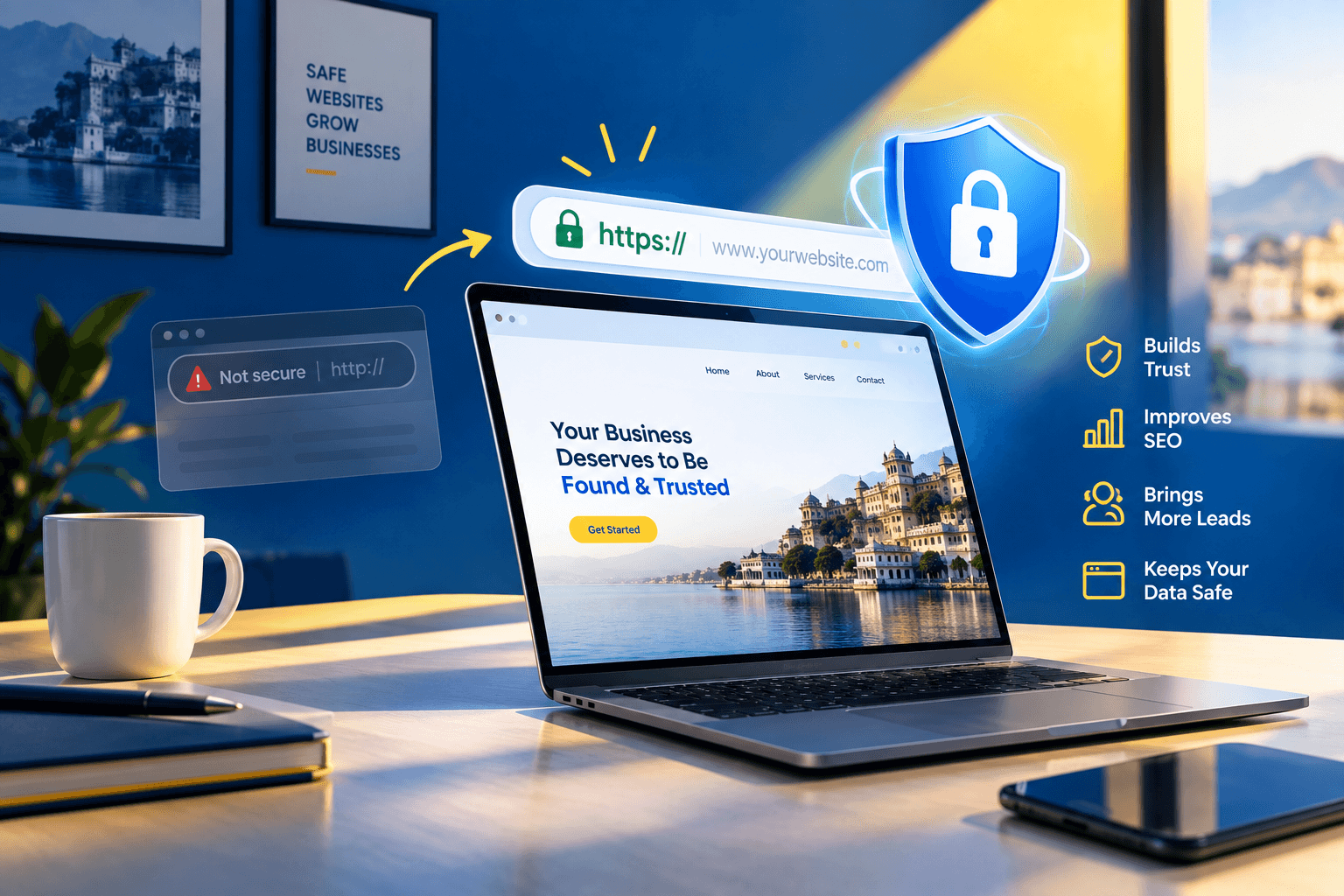
If your website opens with a “Not secure” label, you may lose customers before they read a single line. For any business, that first impression can decide whether someone calls or clicks away. This guide explains HTTPS and SEO in plain language.
You will learn what HTTPS is, how it connects to Google visibility, and why website security now shapes trust, leads and local search performance. You will also get a practical migration checklist to share with your web developer. There is no hype and no jargon, only clear steps that business owners can act on this week.
What is the connection between HTTPS and SEO?
HTTPS encrypts the data travelling between a visitor’s browser and your website. Google has treated HTTPS as a lightweight ranking signal since 2014, and secure sites also earn more visitor trust and fewer browser warnings. HTTPS alone will not push you to page one. Staying on HTTP, however, can cost you trust, enquiries and technical health.
What Is HTTPS, and How Is It Different From HTTP?
HTTPS stands for Hypertext Transfer Protocol Secure. It is the secure version of HTTP, the protocol that moves web pages from a server to a browser. A digital certificate, usually called an SSL or TLS certificate, encrypts the connection. Nobody sitting between the visitor and your server can easily read or change the data.
You can spot HTTPS in two ways. The web address starts with https://, and the browser shows a padlock or similar secure indicator.
| Feature | HTTP | HTTPS |
| Data encryption | No | Yes |
| Address starts with | http:// | https:// |
| Browser label | May show “Not secure” | Shows a secure indicator |
| Safe for forms and payments | No | Yes |
| Works with HTTP/2 and HTTP/3 in browsers | No | Yes |
| Google ranking signal | None | Lightweight positive signal |
Most people still say “SSL”, so this guide uses “SSL certificate” and “HTTPS” together. Technically, modern sites use TLS, the newer version of the same idea.
HTTPS and SEO: Does Google Really Use It as a Ranking Signal?
Yes, but the effect is small. Google announced in 2014 that it uses HTTPS as a lightweight ranking signal. Since then, HTTPS has become a standard part of Google’s page experience guidance.
Think of it as a tie-breaker. Imagine two Udaipur dental clinics that publish equally helpful pages. The secure site holds a small edge. Content quality, relevance and links still carry far more weight.
The bigger HTTPS and SEO story is indirect. Secure sites tend to perform better in several practical ways:
- Fewer warnings: Visitors do not see scary browser messages.
- Cleaner data: Your analytics show where visitors really come from.
- Modern features: Faster protocols and location tools work only on secure pages.
- Stronger trust: People share personal details more willingly.
In short, HTTPS does not win rankings alone. It removes obstacles that quietly hold rankings and conversions back.
7 Reasons Website Security Matters for Your Business
1. HTTPS Protects Customer Data
Every contact form, booking enquiry and payment page collects personal details. Names, phone numbers and email addresses all travel over the internet. Without HTTPS, that data moves as readable text. On public Wi-Fi at a café near Fateh Sagar, a criminal could intercept it. HTTPS scrambles the data so it stays private in transit. Even a simple “Book a Table” form for a Fatehpura restaurant needs this protection.
2. HTTPS Builds Trust and Improves Conversions
Visitors notice security. A browser warning makes people hesitate, especially before they type a phone number or pay an advance. A salon in Sukhadia Circle that takes online appointments cannot afford that hesitation. A padlock does not guarantee more sales. However, a missing padlock removes one of the easiest trust signals you can offer.
3. Chrome Is Making HTTPS the Default
For HTTPS and SEO planning, this is the most urgent development. With the release of Chrome 154 in October 2026, Chrome will enable “Always Use Secure Connections” by default, and it will ask for the user’s permission before the first access to any public site without HTTPS. Earlier this year, Chrome 147 in April 2026 turned the same setting on for over 1 billion users who had opted into Enhanced Safe Browsing.
Chrome plans to keep the experience smooth. It will warn users only when they visit new or infrequently visited public HTTP sites. That still describes most first-time visitors arriving from Google. A warning page in front of your homepage means lost enquiries.
There is one reassuring detail. If your hostname supports HTTPS, a visitor should not see a warning just because a link was written as http://. The real risk comes from public hostnames with no working HTTPS at all. Old campaign domains and forgotten subdomains often fall into this group.
4. HTTPS Keeps Your Analytics Accurate
When a visitor moves from a secure site to an insecure one, the browser usually strips the referrer details. Traffic from secure sources, such as social platforms and other websites, can then show up as “direct”. You lose visibility into what actually brings visitors. With HTTPS, your reports stay cleaner, and you can judge which marketing efforts really work.
5. HTTPS Unlocks Faster, Modern Web Features
Browsers support HTTP/2 and HTTP/3 only over HTTPS. These protocols can load pages faster, which helps tourists using patchy mobile networks around the old city. Speed supports both user experience and Core Web Vitals. Location features behind “near me” tools also require a secure connection. Our guide on website speed and Core Web Vitals explains this further.
6. HTTPS Keeps Your Google Business Profile Path Clean
Your Google Business Profile links to your website, and many customers reach you through Google Maps. Point that link to the HTTPS version of your homepage. Otherwise, visitors may hit an extra redirect or, if a redirect is missing, a warning. Use the same secure address across citations, social bios, email signatures and QR codes. If you need help, see our Google Business Profile optimisation service.
7. HTTPS Supports Your Legal and Reputation Duties
India’s Digital Personal Data Protection Act, 2023 expects organisations that handle personal data to maintain reasonable security safeguards. HTTPS is a basic safeguard, not the whole answer. Clinics, CA firms and coaching centres that collect sensitive details should speak to a legal adviser about wider compliance. Reputation matters too. A site flagged for security problems can damage the goodwill your reviews took years to build.
How Website Security Affects Local SEO
Local search runs on trust. Google’s local results rely on relevance, distance and prominence. Website security supports prominence indirectly, because a trusted, error-free site earns clicks, calls and shares.
HTTPS and SEO for Udaipur businesses looks different by industry:
- Hotels and homestays: Peak season from October to March brings international visitors who are cautious about online payments. A secure booking enquiry form reassures them.
- Clinics: Patients enter symptoms, phone numbers and appointment details. Encryption is essential.
- CA firms in Bhupalpura: Clients may share PAN, GST and income details. A security warning can end the conversation.
- Coaching centres: Parents complete admission forms on mobile phones, often on shared or public networks.
- Retailers near Chetak Circle: Shoppers compare shops on their phones. A “Not secure” label pushes them toward a competitor.
Good HTTPS and SEO hygiene for a local business also includes a few simple habits:
- Use the HTTPS link in your Google Business Profile.
- Keep your business name, address and phone number consistent across directories.
- Update old directory listings that still use http://.
- Use HTTPS on every landing page that supports Google Ads or social campaigns.
Our local SEO services in Udaipur team checks these details in every audit.
Common HTTPS Mistakes That Hurt SEO
Installing a certificate is only half the job. Many HTTPS and SEO problems appear after the switch, when small technical details are missed.
| Mistake | What happens | How to fix it |
| Mixed content | The page loads over HTTPS, but images or scripts still load over HTTP | Update every resource link to HTTPS |
| No 301 redirects | Google sees two versions of every page | Redirect HTTP to HTTPS permanently |
| Old URLs in sitemap and canonicals | Google receives mixed signals | Update sitemap, canonical tags and internal links |
| Redirect chains | Pages load slower and waste crawl effort | Redirect straight to the final HTTPS URL |
| Expired certificate | Visitors see a full-screen browser error | Turn on automatic renewal |
| Forgotten subdomains or campaign domains | Old pages trigger warnings | Audit, redirect or retire them |
| No HTTPS property in Search Console | You cannot monitor HTTPS indexing | Add a Domain property |
Mixed content deserves special attention. Google’s Chrome team warns that even a site that has adopted HTTPS can be risky if it still serves a single HTTP connection. A single old image link can weaken an otherwise secure page.
A technical SEO audit catches most of these problems within hours.
Why Automatic Certificate Renewal Now Matters
Certificates are getting shorter. Since March 15, 2026, publicly trusted certificates cannot last longer than 200 days, and the limit drops to 100 days in 2027 and 47 days in 2029. Free Let’s Encrypt certificates already use a 90-day validity period.
The practical lesson is simple. Manual once-a-year renewal is ending. HTTPS and SEO health now depends on automation. Ask your hosting provider three questions:
- Is auto-renewal switched on for my certificate?
- Does the certificate cover both the www and non-www versions?
- Who receives the alert if renewal fails?
Add a monthly calendar reminder to open your site and check the padlock. It takes 30 seconds.
Step-by-Step HTTPS and SEO Migration Checklist
Use this checklist whether you manage the site yourself or brief a developer. Most small business sites can finish it in a day or two.
Before You Switch
- Back up your website files and database.
- Crawl your site and save a list of all current URLs.
- Activate a certificate. Many Indian hosting providers include a free one. Confirm it covers www and non-www.
During the Switch
- Install the certificate and confirm your homepage loads over HTTPS.
- Update your site address. In WordPress, change the Site URL and Home URL to https://.
- Fix mixed content. Replace http:// links in images, scripts, fonts and embedded maps.
- Add 301 redirects from every HTTP URL to its HTTPS twin.
- Update technical signals. Change canonical tags, internal links, the XML sitemap and the sitemap line in robots.txt.
After the Switch
- Add your site to Google Search Console. Use a Domain property, then submit the new sitemap.
- Update off-site links. Cover your Google Business Profile, social profiles, directory listings, email signatures and QR codes.
- Update tracking and ads. Check Google Analytics settings and every ad landing page URL.
- Monitor for four weeks. Watch Search Console for crawl errors and coverage changes. Keep redirects in place for at least a year.
Small ranking movements can happen right after a migration. They usually settle once Google recrawls your pages. Once everything works, ask your developer about HSTS, an optional setting that tells browsers to always use the secure version.
How to Check Your HTTPS Setup in 10 Minutes {#check-setup}
You do not need technical skills for a basic health check. Try these steps:
- Test the redirect. Type http://yourwebsite.com. It should jump to the HTTPS version in one step.
- Click the padlock. Check the certificate’s expiry date.
- Open Chrome DevTools. Press F12, open the Console and look for mixed content warnings.
- Check Search Console. Look at the Pages report for any HTTP URLs still indexed.
- Run a free scan. Tools such as Qualys SSL Labs test your certificate and server settings.
- Preview Chrome’s new default. Open chrome://settings/security, enable “Always Use Secure Connections” and choose the option that warns on insecure public sites. You will see what your visitors will see.
How Much Does HTTPS Cost? {#cost}
For most small businesses, very little. Free certificates from Let’s Encrypt are widely trusted and supported by most hosting panels. Paid certificates, such as organisation-validated (OV) or extended-validation (EV) types, add identity checks and support. They suit larger companies or payment-heavy sites. However, a paid certificate does not rank higher than a free one. Your main cost is usually developer time for redirects and cleanup.
What HTTPS Cannot Do
Let’s stay honest. HTTPS and SEO are a foundation, not a strategy. A secure site will not rank well with thin content, an unclaimed Google Business Profile or a slow mobile experience. Nobody can promise a fixed ranking from a certificate.
Treat HTTPS as one part of a wider plan. Add helpful service pages, real customer reviews, a complete Google Business Profile, fast pages and local citations. Together, these give Google and your customers reasons to choose you.
FAQs
Q. Is HTTPS a Google ranking factor?
A. Yes, but a small one. Google has used HTTPS as a lightweight ranking signal since 2014. It works more like a tie-breaker than a major driver, so content quality and relevance still matter far more.
Q. Will switching to HTTPS improve my rankings immediately?
A. Probably not. HTTPS mainly removes trust and technical problems. Expect small fluctuations after migration, then stability. Real gains come from combining HTTPS with strong content and local SEO.
Q. What happens if my website stays on HTTP?
A. Browsers may label your site “Not secure”, and Chrome’s default is set to change in October 2026 so it asks visitors for permission before opening public HTTP sites. You may lose enquiries, and your data is unprotected.
Q. Do I need HTTPS if my website has no online payments?
A. Yes. Contact forms, booking enquiries and login pages all collect personal details. Browsers and visitors also expect a secure connection on every page, even for brochure-style sites.
Also Read: How to Fix Crawl Errors in Google Search Console. A Step-by-Step Guide for Businesses.
Conclusion
HTTPS and SEO work best together. Security protects your customers, strengthens trust and clears technical problems that hold your website back. With Chrome’s default change arriving in October 2026, checking your certificate now is far easier than fixing warnings later. Start with the ten-minute check above, then follow the migration checklist if gaps appear.
Not sure where your website stands? Immortal SEO offers a friendly technical and local SEO review for Udaipur businesses. Contact our team for a practical, jargon-free report with clear next steps.
About the Author

Richa Meena
SEO Specialist at ImmortalSEO with expertise in technical SEO and content optimization.
View all posts