
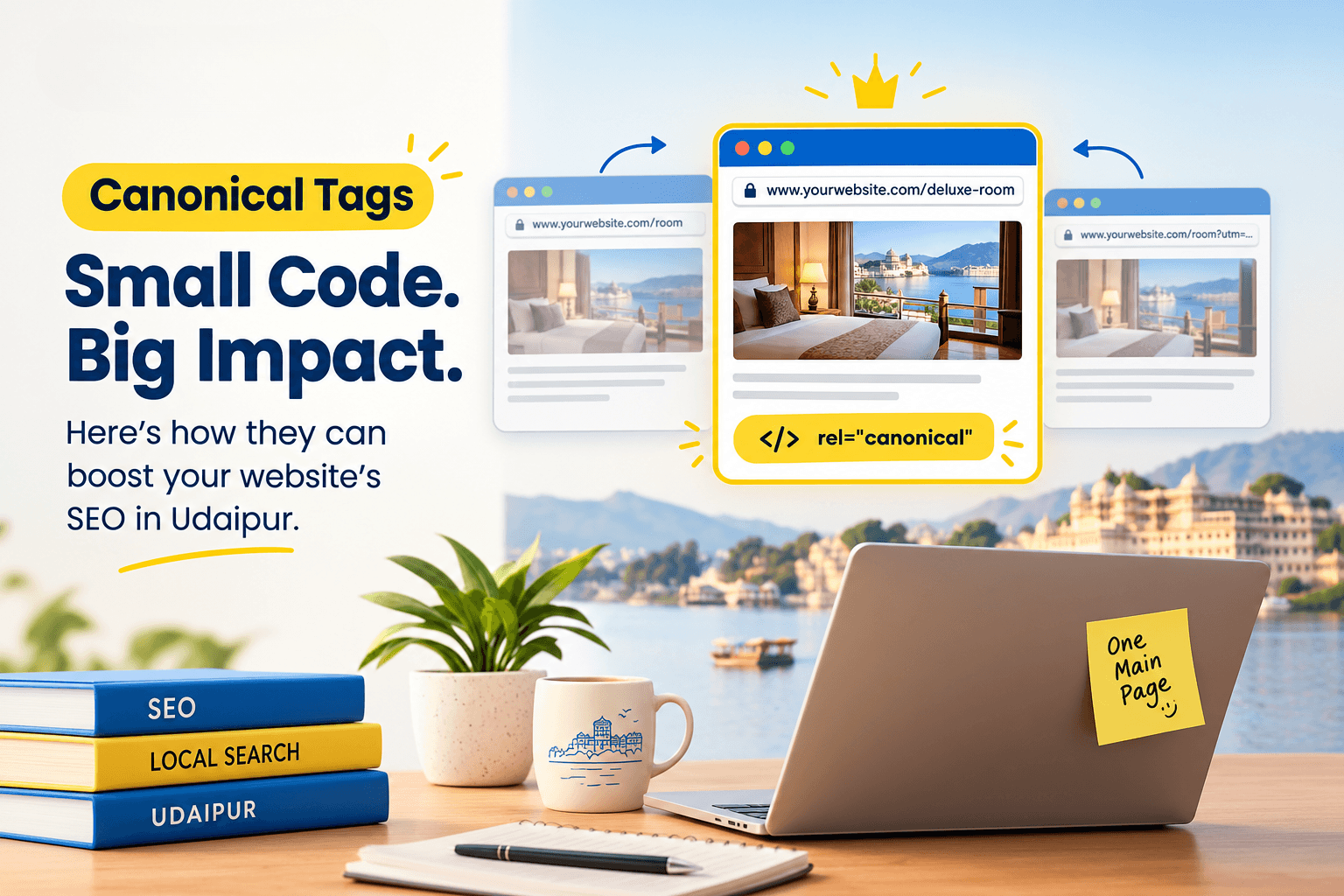
If you run a business website whether it’s a boutique, hotel, a clinic, or a retail store you’ve probably heard the term “canonical tags” thrown around by your web developer or SEO agency without much explanation. It sounds technical, but the idea behind it is simple.
Canonical tags tell Google which version of a page is the “main” one when similar or duplicate pages exist on your site. Get this wrong, and Google may rank the wrong page, split your SEO value across multiple URLs, or ignore pages you actually want to rank. In this guide, we’ll explain canonical tags in plain language, show real examples relevant to Udaipur businesses, and give you a simple checklist to review your own site.
What Are Canonical Tags?
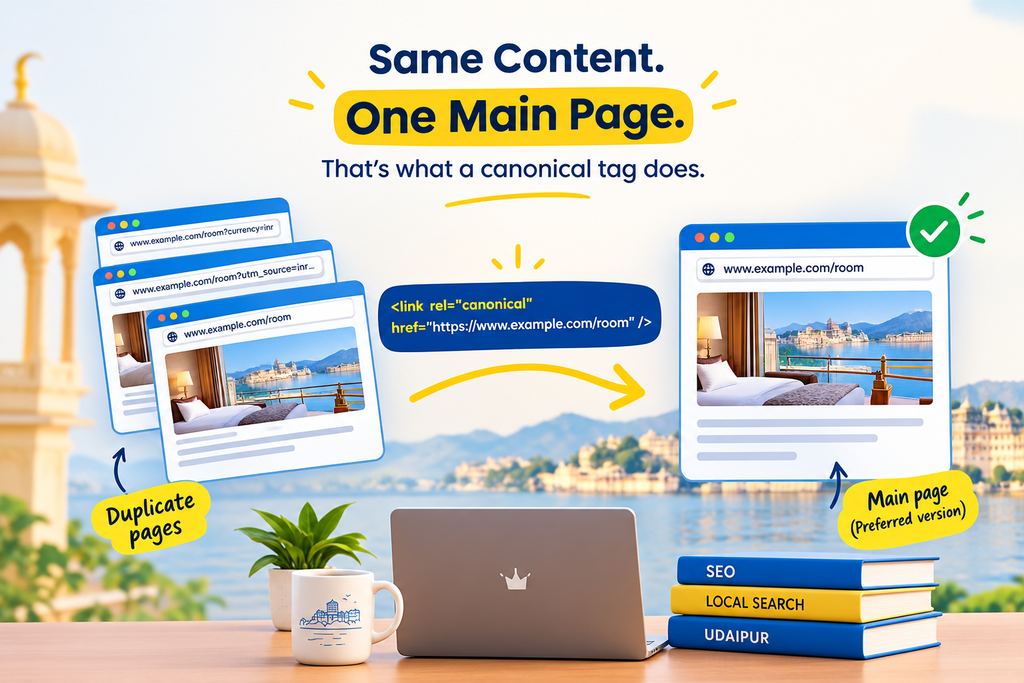
A canonical tag is a small piece of HTML code that tells search engines like Google: “This is the original or preferred version of this page.” It’s written as rel=”canonical” and placed in the <head> section of a webpage.
Think of it like this: if you have three photocopies of the same document, a canonical tag is a sticky note on one copy saying “this is the master copy referring to this one.” Google then focuses its ranking signals (like backlinks and relevance) on that one preferred page, instead of splitting attention across duplicates.
This matters because most business websites end up with duplicate or near-duplicate pages without the owner even realising it often due to how the website platform generates URLs.
Why Canonical Tags Matter for Your Business Website
Duplicate Content Problems Local Businesses Face
Duplicate content is far more common than most business owners think. A few real-world examples:
- A hotel website that shows the same room page under both
/rooms/deluxe-room and /rooms/deluxe-room?currency=inr - A restaurant menu page that loads identically at both
www.example.com/menu and example.com/menu - A retailer’s product page appearing under two different category filters,
like /shop/sarees?color=red and /shop/sarees?sort=price
None of these are intentional duplications; they’re simply a side effect of how websites and e-commerce platforms work. But to Google, these can look like separate pages competing with each other.
How Canonical Tags Protect Your Google Rankings
Without canonical tags, Google has to guess which version of a page to show in search results. This can lead to:
- Your ranking signals getting divided between multiple URLs
- The “wrong” version of a page showing up in search results
- Slower indexing, since Google spends time crawling duplicate pages instead of new content
- Inconsistent appearance in Google Business Profile-linked website clicks and Google Maps traffic
A correctly implemented canonical tag consolidates all of this into one strong, authoritative page which is exactly what you want for local search visibility in a competitive market like Udaipur’s tourism, hospitality, and retail sectors.
How Canonical Tags Work
The rel=”canonical” Tag Explained
A canonical tag looks like this in a page’s HTML code:
<link rel=”canonical” href=”https://www.example.com/deluxe-room” />
This line simply tells Google: “Even if you found this content through a different URL, treat this exact address as the main one.”
Self-Referencing Canonical Tags
Most well-built websites use what’s called a self-referencing canonical tag– meaning every page points to itself as the canonical version. This might sound unnecessary, but it acts as a safeguard. If someone links to your page with tracking parameters or a slightly different URL format, the self-referencing tag still tells Google which version matters.
| Situation | What the Canonical Tag Should Point To |
| Standard page with no duplicates | Itself (self-referencing) |
| Same page with tracking parameters (?utm_source=) | The clean, parameter-free URL |
| WWW vs non-WWW versions | Whichever version you’ve chosen as primary |
| Mobile and desktop versions on separate URLs | The desktop (or primary) version |
| Printer-friendly version of a page | The main content page |
Common Situations Where Udaipur Businesses Need Canonical Tags
E-commerce & Product Filters
Retailers and boutiques selling online think handicrafts, jewellery, or clothing stores in Udaipur expanding to e-commerce often generate dozens of URL variations for a single product through filters like size, colour, or sorting order. Canonical tags point Google back to the main product page.
WWW vs Non-WWW, HTTP vs HTTPS
If your website loads at both https://www.yourbusiness.com and https://yourbusiness.com, Google may treat them as two separate websites unless canonical tags (and proper redirects) clarify which one is correct.
Printer-Friendly & Mobile Pages
Some older website templates create separate URLs for printer-friendly or AMP versions of a page. Canonical tags ensure the “real” page gets the SEO credit.
Blog Posts Syndicated Elsewhere
If your business blog content is republished on platforms like Medium, LinkedIn, or a local business directory, a canonical tag on the republished version pointing back to your original article prevents Google from getting confused about which one is the source.
How to Check If Your Website Has Canonical Tags
You don’t need to know how to code to check this yourself:
- Open any page on your website in Chrome.
- Right-click anywhere on the page and select View Page Source.
- Press Ctrl+F (or Cmd+F on Mac) and search for the word canonical.
- If you see a line like <link rel=”canonical” href=”…”>, your page has a canonical tag. Check that the URL shown matches the page you’re actually viewing.
- If nothing appears, your page currently has no canonical tag which isn’t always harmful, but it’s worth reviewing with your developer.
You can also use free tools like Google Search Console’s URL Inspection tool to see which canonical URL Google has chosen for a page, and whether it matches your intended one.
How to Add Canonical Tags (Without Coding Knowledge)
Most business owners won’t add these tags manually but it helps to know how it typically happens:
- WordPress users: SEO plugins like Rank Math or Yoast SEO let you set or edit the canonical URL directly from the page/post editing screen, with no coding required.
- Shopify, Wix, and other website builders: These platforms usually generate canonical tags automatically. It’s still worth spot-checking a few key pages.
- Custom-built websites: Your web developer will need to add these tags manually in the site’s template code.
If you’re unsure which category your website falls into, this is a good conversation to have with whoever manages your site or with an SEO partner who can audit it for you.
Canonical Tags and Local SEO / Google Business Profile
Canonical tags don’t directly affect your Google Business Profile listing, but they strongly influence which page from your website Google associates with your business in local search results and Google Maps. If Google is confused about which version of your homepage or service page is “correct,” it can weaken the connection between your website and your Google Business Profile, something that matters a great deal for businesses competing for visibility among tourists and local customers alike.
A clean, well-canonicalized website supports stronger local search performance across Google Search and Google Maps together.
Common Canonical Tag Mistakes to Avoid
- Pointing canonical tags to the wrong page — for example, every service page canonicalizes to the homepage by mistake, which tells Google to ignore your service pages entirely.
- Canonical tags pointing to non-existent or redirected pages, creating a broken signal.
- Using canonical tags instead of 301 redirects when a page has permanently moved these serve different purposes.
- Inconsistent canonical tags across paginated content, like blog category pages spanning multiple pages.
- Forgetting canonical tags after a website redesign, which can silently hurt rankings for months before anyone notices.
Canonical Tags Checklist for Udaipur Business Owners
- [ ] Every important page has a self-referencing canonical tag
- [ ] WWW and non-WWW versions are consolidated to one preferred version
- [ ] HTTPS is used consistently, with HTTP versions redirecting properly
- [ ] Product filter and sorting URLs canonicalize to the main product/category page
- [ ] Canonical tags are checked after every website redesign or migration
- [ ] Google Search Console is reviewed periodically for canonical URL mismatches
- [ ] Syndicated or republished content links back to the original via canonical tags
FAQs About Canonical Tags
Q:Do canonical tags improve SEO rankings directly?
Not by themselves. Canonical tags don’t boost rankings on their own, but they prevent duplicate content issues that can dilute your SEO performance, which indirectly supports better rankings.
Q:Is a canonical tag the same as a redirect?
No. A redirect sends both users and search engines to a new URL automatically. A canonical tag only signals a preference to search engines while keeping both URLs accessible to visitors.
Q:How do I know if my Udaipur business website needs canonical tags?
If your website has more than a handful of pages, uses filters, runs on WordPress or Shopify, or has ever been redesigned, it likely already has (or needs) canonical tags a quick technical SEO review can confirm this.
Q:Should every page on my website have a canonical tag?
Ideally, yes. Most modern websites and SEO plugins add self-referencing canonical tags automatically to every page as a best practice.
Also Read: How to Fix Crawl Errors in Google Search Console. A Step-by-Step Guide for Businesses.
Conclusion
Canonical tags might seem like a small technical detail, but for business websites competing in crowded local categories hotels, restaurants, clinics, retail, and services they play a quiet but important role in how clearly Google understands your site. A well-structured set of canonical tags helps consolidate your SEO value onto the right pages, supports stronger local search visibility, and avoids the kind of confusion that can hold your website back for months without an obvious cause.
If you’re not sure whether your website’s canonical tags are set up correctly, a technical SEO audit is a reasonable next step. Immortal SEO works with local Udaipur businesses to review exactly these kinds of technical foundations so your website’s SEO efforts aren’t undermined by issues you can’t see on the surface.
About the Author

Richa Meena
SEO Specialist at ImmortalSEO with expertise in technical SEO and content optimization.
View all posts