
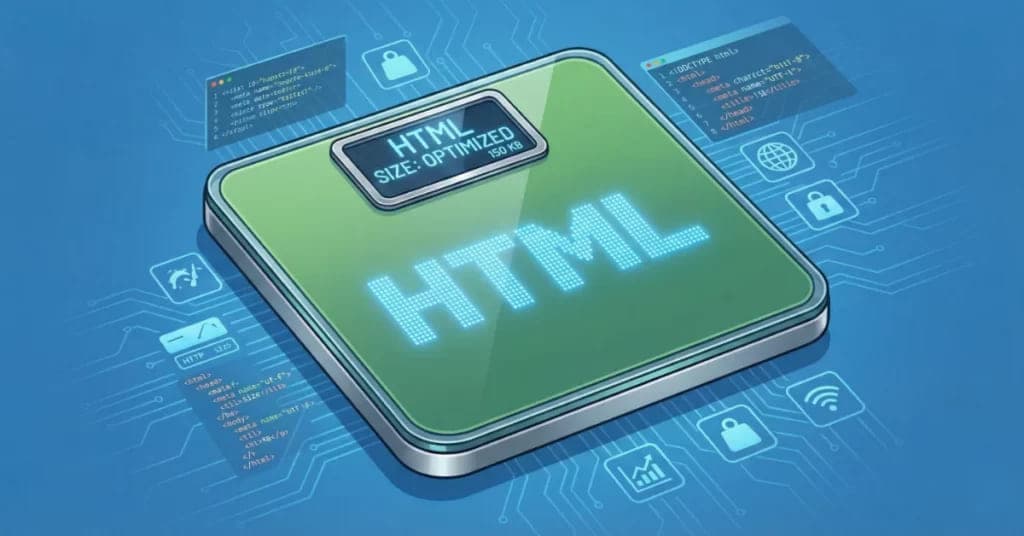
Search engine optimization keeps evolving as Google refines how it crawls and interprets web pages. One technical detail that many site owners overlook is Googlebot’s approximate 2 MB HTML crawl limit. While it may sound like a minor constraint, this limitation can influence how much of your content is actually processed and indexed. For modern SEO strategies, understanding how page size affects crawling is no longer optional — it’s a practical requirement.
What Is Googlebot’s 2 MB HTML Crawl Limit?
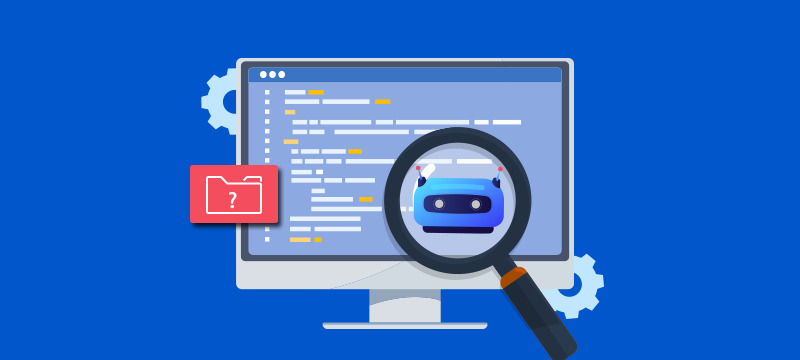
Googlebot, the web crawler responsible for discovering and indexing pages, does not always process an entire page if the HTML file exceeds roughly 2 MB. Instead, it focuses on the portion within that threshold. Anything beyond that size may be ignored during crawling, which means important content, internal links, or structured data could be missed.
For websites that rely heavily on long-form content, dynamic frameworks, or bloated page builders, this limitation can quietly reduce visibility. Many pages look complete in a browser but only partially exist from Google’s perspective.
Why Page Size Matters More Than Ever
Modern websites often include extensive scripts, embedded styles, and third-party integrations. While these features improve design and functionality, they can significantly increase HTML size. When the page crosses the 2 MB boundary, search engines may fail to read content placed toward the bottom of the code.
This becomes a real issue for:
- Large blog posts with excessive formatting
- E-commerce category pages loaded with products
- Websites using heavy page builders or unoptimized themes
- Sites with excessive inline CSS or JavaScript
SEO today is not just about keywords or backlinks; technical efficiency plays an equally critical role.
How the Limit Affects Content Visibility
One common misconception is that only large media files increase page size. In reality, the HTML document itself — including repeated elements, navigation blocks, and embedded code — contributes heavily to total weight.
If your page includes important sections such as FAQs, internal links, or conversion elements near the end of the markup, they might never be crawled. This can weaken topical relevance and reduce ranking potential because Google may not fully understand the page’s context.
For example, long pillar articles designed to rank for multiple keywords often place valuable content deep within the structure. If that section lies beyond the crawl limit, its SEO value diminishes significantly.
Identifying Oversized Pages
Before making improvements, you need to understand your current page size. Many site owners ask, “How to check website page size online?” The simplest approach is to use web-based performance tools that analyze HTML weight, total requests, and loading behavior. These tools reveal whether your page is approaching or exceeding the threshold and help pinpoint elements that inflate file size.
Checking page size regularly is especially useful when publishing long articles or adding new design elements. Even small changes — such as embedding extra widgets or expanding navigation menus — can push your HTML beyond safe limits.
Practical Ways to Reduce HTML Size
Improving crawl efficiency does not mean sacrificing design or content quality. Instead, it involves making strategic adjustments that streamline your page structure.
First, review your theme or page builder output. Many builders generate repetitive code blocks that increase HTML weight unnecessarily. Simplifying layouts and removing unused elements can make a noticeable difference.
Second, minimize inline styling. When CSS is embedded directly into HTML, file size grows rapidly. Moving styles into external stylesheets helps keep the main document lean.
Third, consider splitting extremely long pages into logical sections or separate URLs. Rather than publishing a single massive guide, breaking content into interconnected articles can improve crawlability and user experience simultaneously.
Balancing User Experience and Technical SEO
It’s important to remember that Google’s crawl limit exists to maintain efficiency at scale. The goal isn’t to restrict creativity but to encourage well-structured, accessible pages. A streamlined HTML structure not only benefits search engines but also improves loading speed and readability for users.
Modern SEO success often comes from small technical optimizations layered on top of strong content. Reducing unnecessary code, prioritizing essential elements near the top of the page, and maintaining clean markup can ensure that both visitors and search engines access the most valuable information first.
Read Also : How to Improve Your Site’s Crawling and Indexing for Better SEO Results
Final Thoughts
The 2 MB HTML crawl limit may seem like a technical footnote, yet its impact on indexing and visibility can be significant. As websites grow more complex, understanding how page size influences crawling becomes an essential part of any SEO strategy.
By regularly reviewing page weight, learning how to check website page size online, and optimizing code structure, site owners can prevent important content from being overlooked. In a competitive digital landscape, even small technical improvements can create a measurable advantage — ensuring that your content is not just published, but fully understood by search engines.
About the Author

Sanket R
SEO Specialist at ImmortalSEO with expertise in technical SEO and content optimization.
View all posts