
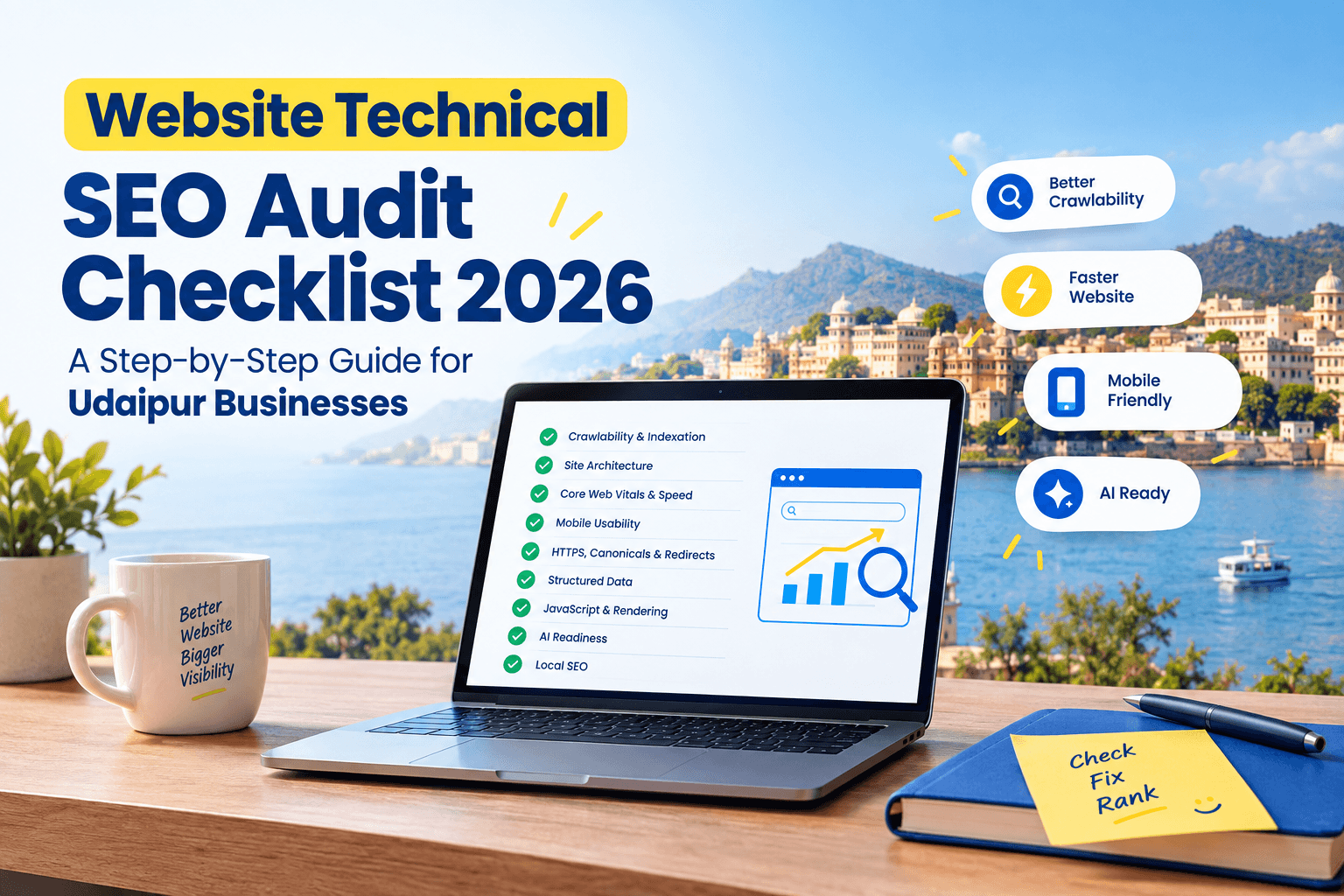
If your hotel, clinic or restaurant website looks great but doesn’t show up on Google, the problem usually isn’t your content, it’s what’s happening behind the scenes. This website technical SEO audit checklist 2026 walks business owners through every layer search engines actually check before they’ll rank a page: crawlability, speed, mobile experience, structured data, and now, AI readability too. You don’t need to be a developer to follow it, just a working login to your website and Google Search Console, and about an hour of focused time.
By the end, you’ll have a clear list of what’s working, what’s broken, and what to fix first.
What Is Technical SEO and Why It Matters More in 2026
Technical SEO is the behind-the-scenes work that helps search engines find, understand, and trust your website: things like site speed, mobile-friendliness, secure connections, clean site structure, and structured data. It sits underneath on-page SEO, off-page SEO and local SEO if it’s broken, none of the other work matters much.
In 2026, technical SEO carries extra weight for three reasons:
- Google increasingly evaluates page experience
(speed, stability, interactivity) as part of ranking. - AI-powered search results
like AI Overviews and chat-based assistants pull directly from well-structured, clearly-coded pages, so messy or JavaScript-heavy sites risk being skipped entirely. - Local competition has intensified.
In a market like Udaipur, where more hotels, clinics and restaurants are investing in websites, a technically clean site is often the tie-breaker for who ranks and who doesn’t.
None of this guarantees a 1st ranking. No ethical SEO agency, including ours, can promise that but fixing technical issues consistently removes the barriers standing between your business and visibility.
Before You Start: What You’ll Need for This Audit
- Access to your website’s backend (WordPress, Wix, Shopify, or custom CMS)
- A free Google Search Console account connected to your site
- A free Google PageSpeed Insights check
- Your Google Business Profile login, if you serve local customers
Set aside about 45–60 minutes to work through the checklist below, section by section.
1. Crawlability & Indexation
Before anything else, Google needs to be able to find and read your pages. This is the foundation of any website technical SEO audit checklist 2026.
Robots.txt and XML Sitemaps
- Check yourdomain.com/robots.txt
make sure it isn’t accidentally blocking important pages (a common mistake after a site redesign). - Confirm you have an XML sitemap (usually at yourdomain.com/sitemap.xml) and that it’s submitted inside Google Search Console under “Sitemaps.”
- Remove or fix any broken URLs listed in the sitemap.
Index Coverage in Search Console
- Open the “Pages” report in the Search Console.
- Review pages marked “Not Indexed” won’t appear in search results at all.
- Look for accidental noindex tags left on live pages (a frequent issue when a site moves from a staging server to live).
| Check | Why It Matters | Tool |
| Robots.txt reviewed | Prevents blocking important pages | Browser / Search Console |
| Sitemap submitted | Helps Google find new pages faster | Search Console |
| No stray noindex tags | Ensures pages can actually rank | Search Console / page source |
| Index coverage reviewed | Flags crawl errors early | Search Console |
2. Site Architecture & Internal Linking
A confusing website structure makes it harder for both users and search engines to find your key pages.
- Keep important pages (services, contact, booking) reachable within 3–4 clicks from the homepage.
- Use a clear URL structure for example, /rooms/deluxe-lake-view is better than /page?id=482.
- Link relevant pages together naturally. A Udaipur hotel’s “Weddings” page should link to its “Banquet Hall” and “Photography Partners” pages, for instance.
- Check for orphaned pages with no internal links pointing to them, which search engines may never discover.
3. Core Web Vitals & Page Speed
Site speed remains one of the most measurable, fixable parts of technical SEO in 2026 and one of the easiest to neglect on small business sites loaded with heavy images and plugins.
LCP, INP and CLS Targets for 2026
Google’s Core Web Vitals measure three things:
- Largest Contentful Paint (LCP): How fast your main content loads. Aim for under 2.5 seconds.
- Interaction to Next Paint (INP): How responsive your site feels when someone taps a button or menu (this replaced First Input Delay as the responsiveness metric). Aim for under 200 milliseconds.
- Cumulative Layout Shift (CLS): Whether elements jump around as the page loads. Aim for under 0.1.
Run your homepage and one or two inner pages through PageSpeed Insights to see where you currently stand.
Quick Speed Wins for Small Business Sites
- Compress large images (a full-resolution hotel photo doesn’t need to be 4MB).
- Remove unused plugins especially on WordPress sites, where old plugins are a common speed drain.
- Enable browser caching and, if your host offers it, a content delivery network (CDN).
- Avoid autoplaying videos or heavy sliders on the homepage.
4. Mobile Usability
Most Udaipur customers whether booking a hotel room, checking a clinic’s timings, or browsing a salon’s services are searching on their phones.
- Test your site on an actual phone, not just by resizing a browser window.
- Check that buttons, menus and contact numbers are easy to tap without zooming.
- Make sure pop-ups don’t cover the whole screen on mobile Google penalizes intrusive interstitials.
- Confirm your “click to call” buttons actually dial correctly.
5. HTTPS, Canonicals & Redirects
- Confirm your site loads with https:// (the padlock icon) sitewide, not just on the homepage.
- Pick one preferred version of your domain (with or without “www”) and make sure the other redirects to it.
- Check for redirect chains (page A → B → C) and shorten them to a single redirect.
- Ensure every page has a correct self-referencing canonical tag to avoid duplicate content confusion, a common issue for hotel sites with similar room-type pages.
6. Structured Data (Schema Markup)
Structured data (schema) is code that explains your content to search engines in a language they understand directly and it’s now essential for AI-driven results too.
For most local businesses, prioritize:
- LocalBusiness / Organization schema — name, address, phone, hours.
- Service or Product schema — for treatments, room types, menu categories.
- FAQ schema — for any FAQ section, like the one below.
- Review/Rating schema — where genuine reviews exist (never fabricate ratings).
- Article schema — for blog content like this post.
You can validate your markup using Google’s Rich Results Test.
7. JavaScript & Rendering
Many modern website builders lean heavily on JavaScript, which can create indexing delays if search engines can’t render the page properly.
- Use Search Console’s URL Inspection tool to check that your main content actually appears in Google’s rendered version of the page.
- Avoid loading critical text (like your services or pricing) entirely through client-side scripts with no fallback.
- Ensure lazy-loaded images and content still get indexed properly by testing a few product or service pages.
8. AI Crawlers, llms.txt and AI Overviews Readiness
This is the newest addition to any technical SEO checklist. AI-powered search including Google’s AI Overviews and various AI chat assistants increasingly cites and summarizes web content directly.
- Check whether your robots.txt is unintentionally blocking known AI crawlers, if you want your content eligible for AI citations.
- Consider adding an llms.txt file, an emerging (not yet universally required) standard that summarizes your site for AI systems.
- Write clear, well-structured answers to common questions on your pages: short definitions, bullet points and FAQs are easier for AI systems to extract and quote than long, unstructured paragraphs.
9. Local Technical SEO for Udaipur Businesses
Google Business Profile & NAP Consistency
- Claim and fully complete your Google Business Profile categories, hours, photos, and service areas.
- Make sure your Name, Address and Phone number (NAP) match exactly across your website, Google Business Profile, and any directory listings (JustDial, Sulekha, etc.).
- Add your business to Google Maps correctly, with an accurate pin location surprisingly common to get wrong for properties near Fateh Sagar Lake or the City Palace area, where addresses can be ambiguous.
Local Schema and Maps Embeds
- Embed a Google Map on your contact page.
- Add LocalBusiness schema with your correct Udaipur address, service area, and geo-coordinates.
- Mention your locality naturally in page titles and headers where relevant for example, “Boutique Hotel Near Lake Pichola” rather than forcing “Udaipur” into every sentence.
Website Technical SEO Audit Checklist 2026 Quick Reference Table
| Category | Key Checks |
| Crawlability | Robots.txt clean, sitemap submitted, no stray noindex |
| Site Architecture | Clear URLs, internal links, no orphan pages |
| Core Web Vitals | LCP < 2.5s, INP < 200ms, CLS < 0.1 |
| Mobile | Tap-friendly buttons, no intrusive pop-ups |
| Security | HTTPS sitewide, correct canonicals, no redirect chains |
| Structured Data | LocalBusiness, Service, FAQ, Article schema |
| JavaScript | Content renders and indexes correctly |
| AI Readiness | AI crawlers allowed, clear Q&A formatting |
| Local SEO | Complete GBP, consistent NAP, local schema |
Common Technical SEO Mistakes Udaipur Businesses Make
- Blocking the whole site accidentally after moving from a staging/test server to the live domain.
- Using inconsistent addresses across Google Business Profile, the website footer, and directory listings.
- Uploading unoptimized images straight from a camera or phone, slowing the entire site down.
- Ignoring mobile testing, even though most local searches happen on phones.
- Skipping schema markup entirely, missing out on rich results and AI citation opportunities.
How Often Should You Run a Technical SEO Audit?
For most small and mid-sized business websites, a full technical audit every 3–6 months is sufficient, with a quick Search Console check monthly. Run an extra audit immediately after any website redesign, platform migration, or major content update these are the moments most technical issues get introduced.
FAQs
Q: How long does a technical SEO audit take?
A: A basic self-audit using this checklist takes about 45–60 minutes. A professional, in-depth audit including competitor analysis and a fix roadmap typically takes 3–5 business days.
Q: Do I need a developer to fix technical SEO issues?
A: Many issues (image compression, meta tags, Google Business Profile setup) can be fixed without coding. More complex issues like JavaScript rendering or redirect chains usually need developer or SEO specialist support.
Q: Is Core Web Vitals still important in 2026?
A: Yes. Core Web Vitals LCP, INP and CLS remain part of how Google evaluates page experience, and they directly affect user experience and conversions regardless of SEO impact.
Q: How does technical SEO help with AI Overviews and AI search results?
A: Clean, well-structured, fast-loading pages with clear schema markup are easier for AI systems to read, summarize and cite while messy or JavaScript-heavy pages risk being skipped by both traditional crawlers and AI ones.
Also Read: Canonical Tags Explained: A Simple SEO Guide for Business Owners
Final Thoughts
Technical SEO isn’t the most glamorous part of running a website, but it’s the part that decides whether your great content and photos ever get seen at all. Working through this website technical SEO audit checklist 2026 even just the first three sections will put most businesses ahead of local competitors who haven’t touched their site’s backend in years.
About the Author

Richa Meena
SEO Specialist at ImmortalSEO with expertise in technical SEO and content optimization.
View all posts